

AiderPlugin
Client plugin · v0.1.1 · @astragate-community/aider
Aider (aider.chat) on the Clients page: pick one of the gateway's models for it, and switch it off to put its config back.
After installing
“Aider” appears on the Clients page
Its kind is
plugin-aider, listed with the built-in clients.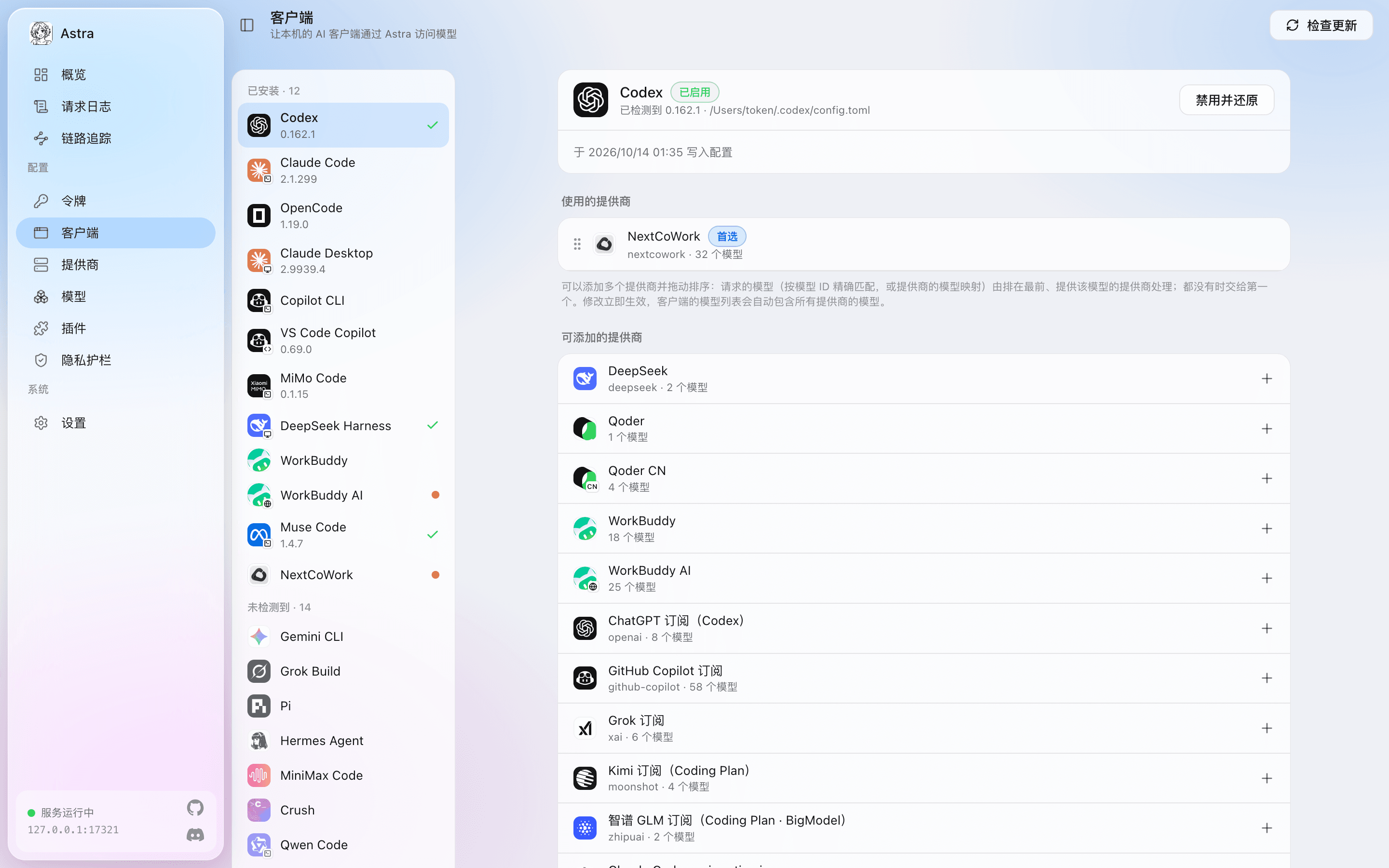
The console’s Clients page (in Chinese), here with Codex using NextCoWork. Pick a model and enable it
Choose a provider and a model and enable it. Astra changes only the keys in the one file the plugin names, and backs up the original values first.
astra client enable plugin-aider --provider <provider>Use the provider’s ID or name;
astra provider listshows them.Restore any time
Turning it off restores the original configuration; so does removing the plugin, and once it is gone
astra restore-allstill restores offline.
What you get
Models
Models from any provider connected to Astra: built-in subscriptions, API keys or plugin subscriptions. Astra converts between protocols.
Changes
Only the keys in the one file the plugin names, backed up before they are written.
Before you install
- Changes one configuration fileOnly the keys in the file the plugin names, backed up before writing and restored when you turn it off.
- A GitHub Release from the community repositoryastragate-community/astra-gate-plugins, Version 0.1.1, 1.8 KB.
- SHA-256 checked before installingIf the download does not match the hash on record in the market, it is not installed. Install scripts never run (
--ignore-scripts). - Remove it any time
astra plugin remove @astragate-community/aider